Journal · Guides · Oct 7, 2026
Before you launch a digital product: a buyer-first checklist
Seven practical checks that make a digital download easier to understand, buy and use.
By Nexora Vault
A digital product is ready to sell when a buyer can tell exactly what they will receive and use it without a support conversation. A beautiful cover helps, but the product file, listing and checkout must agree. Use these seven checks before you send traffic to a new listing.
1. Name the outcome and the buyer
Write one sentence: “This helps [person] do [specific task] using [delivered file or tool].” Keep it narrow. A printable weekly planner and a tablet annotation template solve different problems, even if both are called planners. Use the sentence to decide what belongs in the package and what does not.
2. Inspect the actual download
Open every file from a fresh ZIP extraction. Check page order, dimensions, links, fonts and spelling. For an editable template, test the promised editing path in the required software. For printable files, print a sample at the sizes you claim. Name files so a first-time buyer knows where to start. Keep a clean backup of the release package.
3. Show proof in the gallery
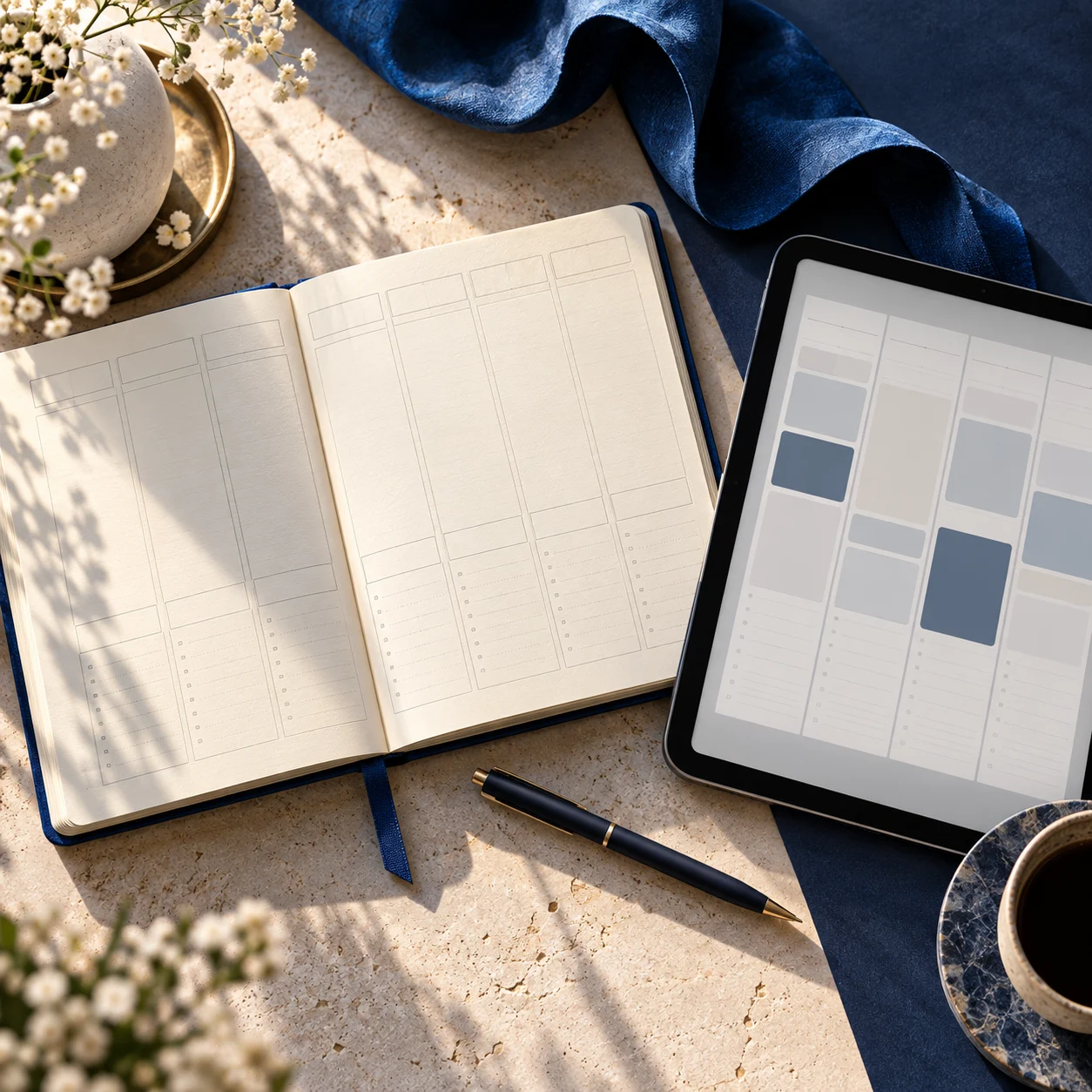
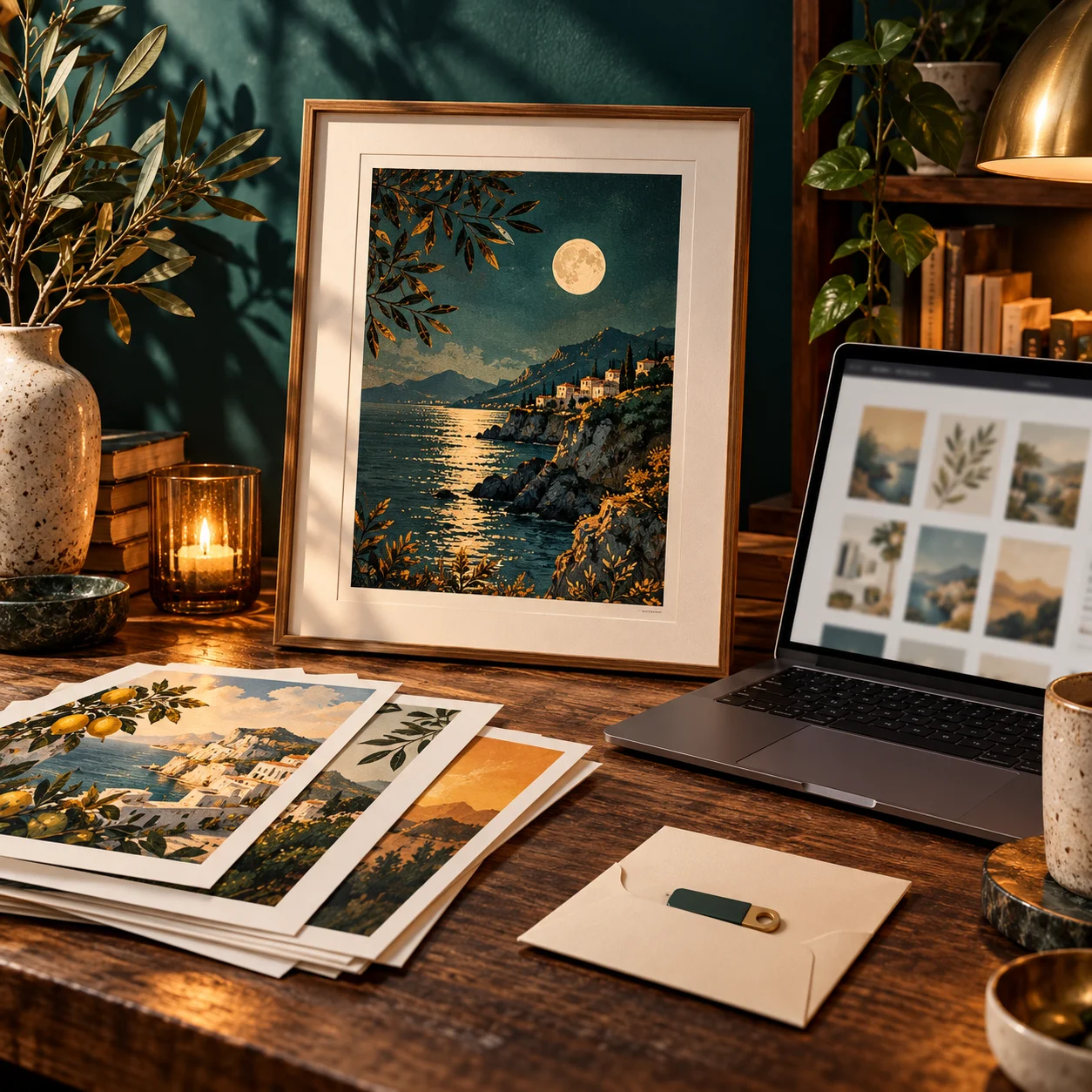
Give each preview a job: first show the product clearly at thumbnail size, then show a detail, a real use view and the package contents. If a room, device or frame is only staging, say so. Etsy's listing guidance recommends useful images that answer buyer questions. Our guide to honest digital-art mockups goes deeper on scale and accurate previews.
4. State the practical specifications
List file formats, dimensions, page count, software requirements, download size and whether the files are editable. Tell buyers what is not included when the gallery could suggest physical goods or an app. Shopify's digital-product guide distinguishes digital delivery from physical fulfilment; your listing should be just as clear.
5. Make licensing and price legible
Explain permitted personal or commercial use in plain language and link to full terms. Price the real scope of the deliverable, not an imagined result. Before publishing, compare the title, description, gallery and checkout summary for contradictory claims.
6. Buy through your own checkout
Test payment, confirmation, download access and the files themselves using the same path a customer will use. Try a phone as well as a desktop. Check that support and refund information is easy to find. A successful preview in an admin panel is not a substitute for a buyer test.
7. Plan three useful entry points
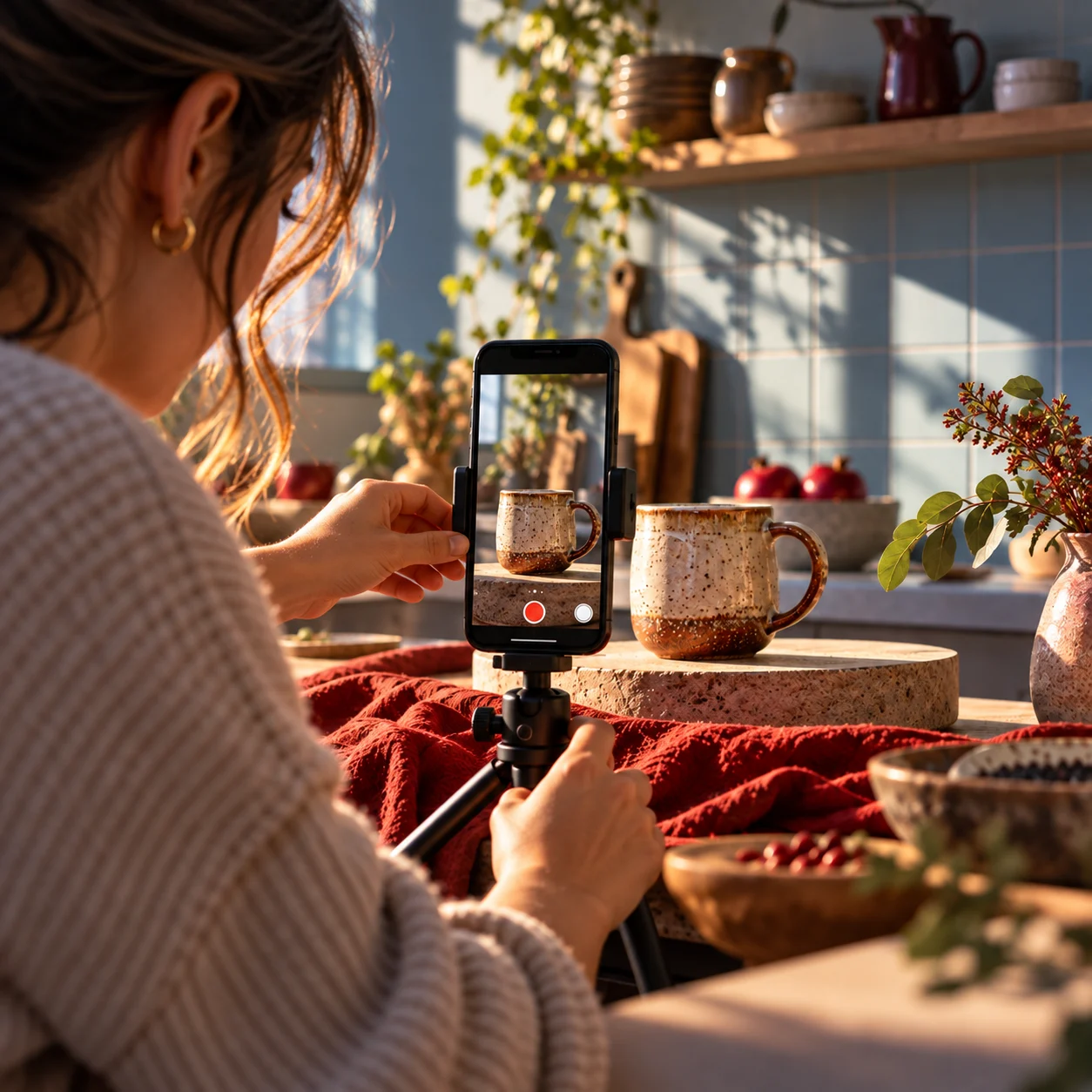
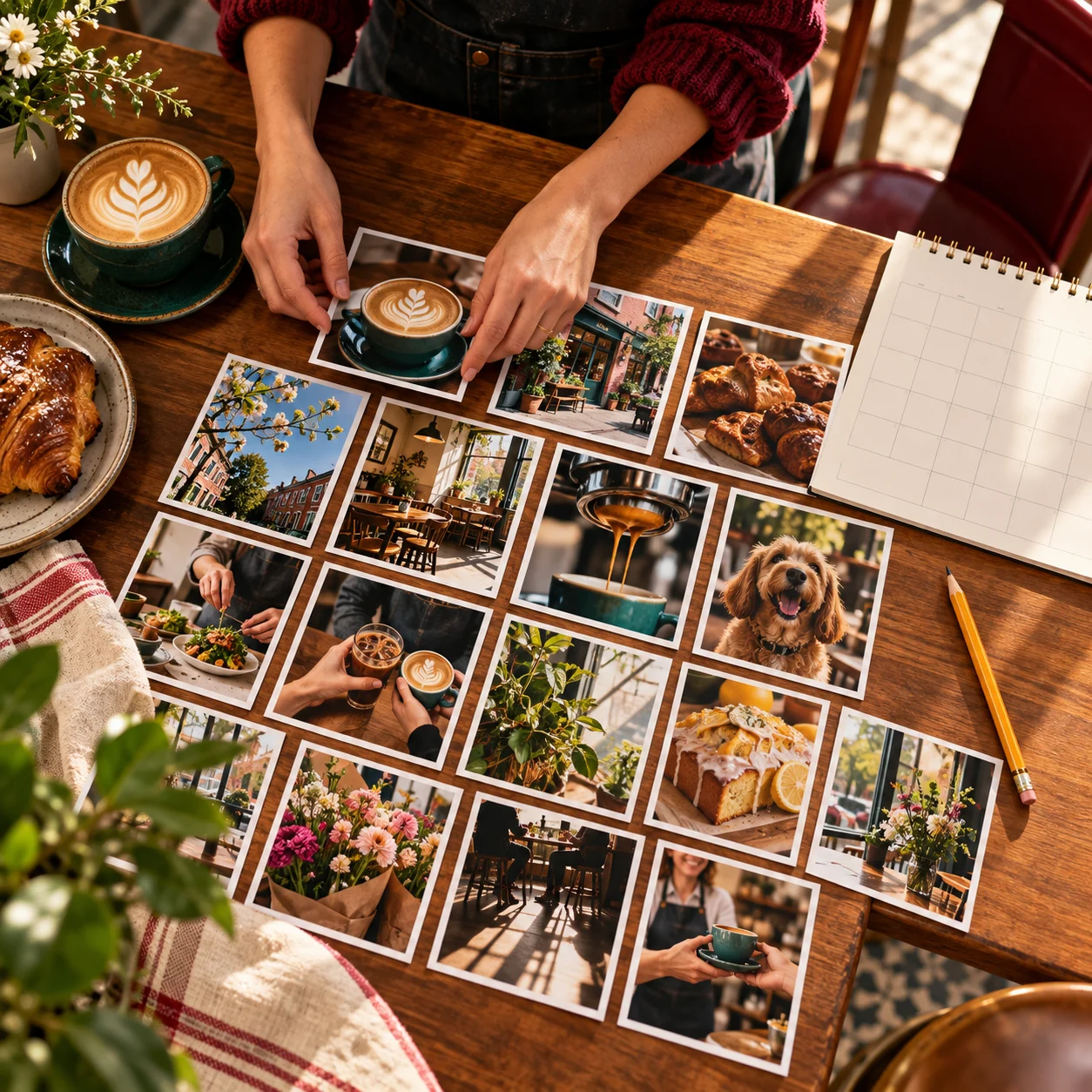
Write one article that answers a buyer question, one short demonstration that shows the product in use and one social post built from a real detail. Link each to the most relevant listing rather than sending every visitor to a generic home page. Search visibility comes from useful content, not repeating a keyword: Google's people-first guidance is a sensible editing test.
Need a way to present artwork or design files accurately? Mockup Engine is one option; inspect its requirements before choosing it. If you are buying instead of making a download, use our buyer checklist.