Journal · Guides · Oct 3, 2026
Buying digital downloads: the checklist before you click purchase
Check file formats, size, software, license and delivery so a digital product works for your project.
By Nexora Vault
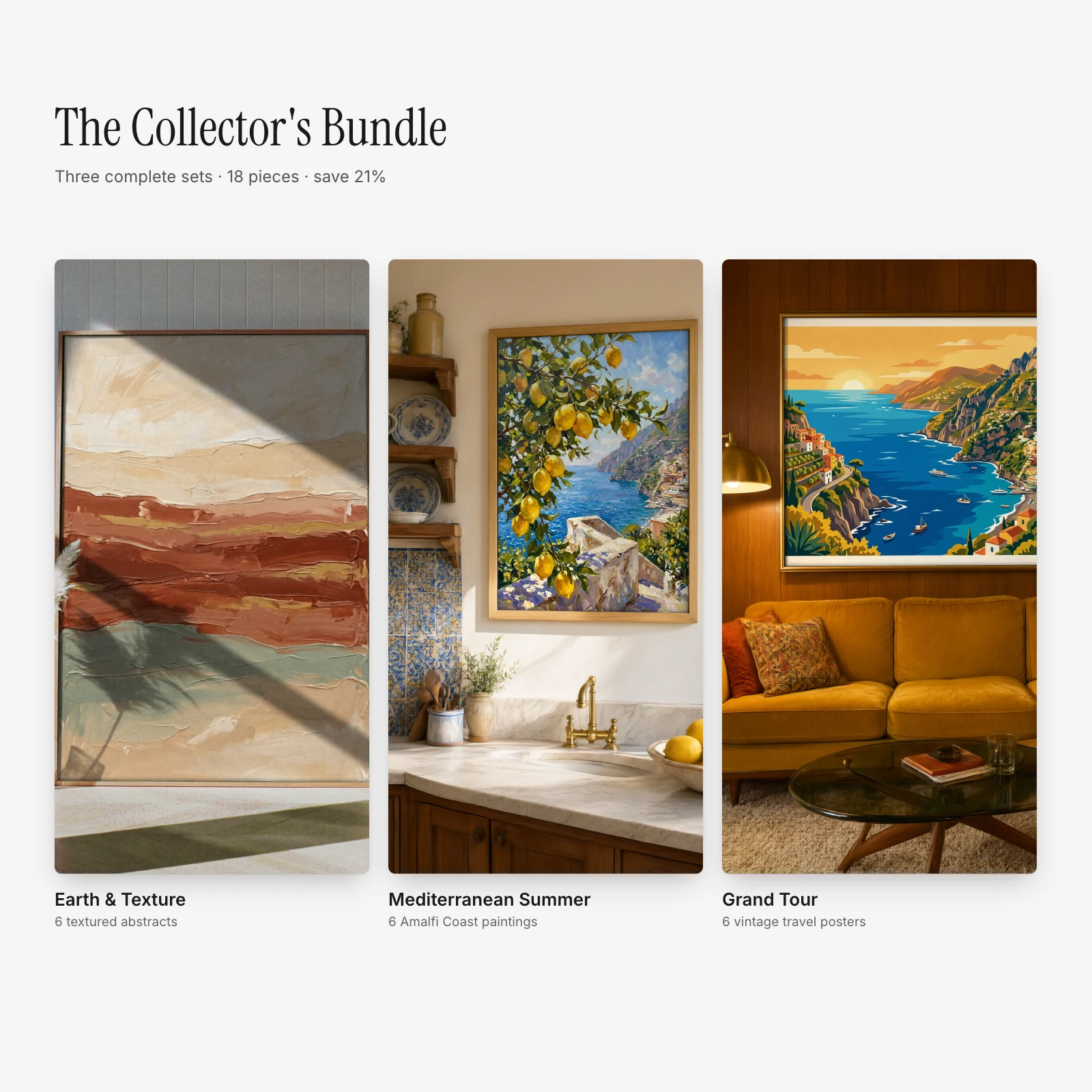
Digital downloads are convenient because you receive files rather than a shipped object. That also means a product page needs to answer practical questions before you pay. Use this short checklist for art, templates, planners and software alike.
1. What exactly is delivered?
Look for a contents list: file count, formats, dimensions or page sizes, and whether the download includes editable source files. A gallery image may show a frame, desk, phone or room for context; those physical objects are usually not included. For a collection, confirm whether every pictured design is part of the purchase.
2. Can you open and use the files?
PDF and image downloads are straightforward, but templates and code may require a particular app, editor or software version. Check the product's compatibility and requirements before buying. On a phone, a ZIP file may be easier to manage after you move it to a computer or a file manager.
3. Does the license fit your plan?
Personal use, client work, resale and use inside another product can have different permissions. Read the exact terms for the product and the store's license guide. If you are printing for a business, selling merchandise or sharing files with a team, check those uses specifically.
4. What happens after checkout?
Confirm how the files are delivered and where you can retrieve them again. Keep the order email and save an untouched copy of the download. Read the support page if a file does not open or the download link fails.
Ready to browse? Start with all products, or read our wall art file sizing guide before choosing printable art.