Journal · Wall Art · Oct 3, 2026
Printable wall art sizes: choose the right file for your frame
A practical way to match print files, frame ratios and paper sizes before you order a print.
By Nexora Vault
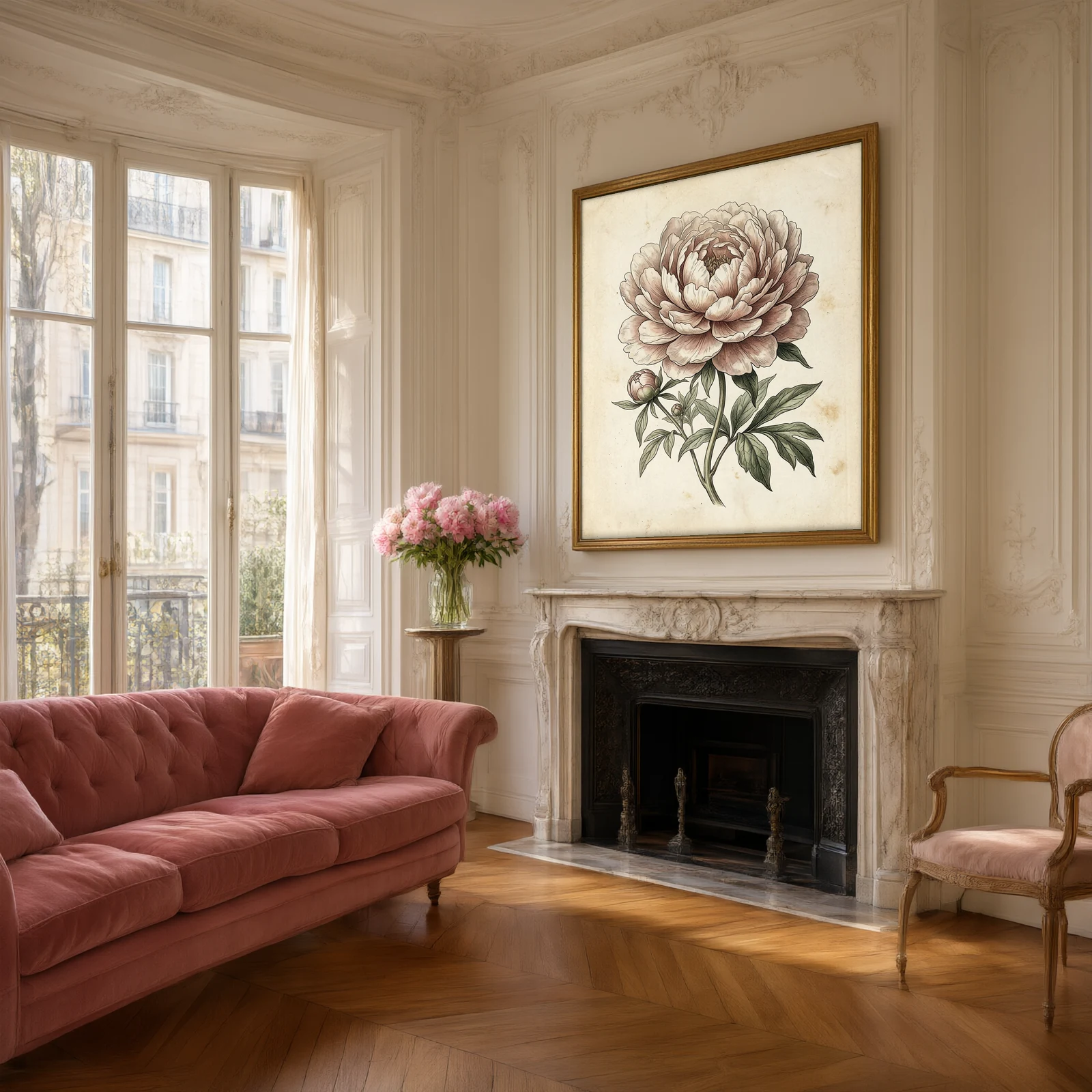
A beautiful file can still make a disappointing print if its shape does not match your frame. Start with the frame's opening size, then choose a file with the same width-to-height ratio. Only after that should you decide how large to print it.
Match the shape first
Divide the width by the height. An 8 × 10 inch frame is a 4:5 ratio; an 8 × 12 inch frame is 2:3. A square file is 1:1. A4 and A3 share the ISO paper ratio, which is different from all three. If the ratios differ, the printer must crop the image, leave a border or distort it. Distortion is never a good choice.
- 4:5: 8 × 10 and 16 × 20 inches share a shape.
- 2:3: 8 × 12 and 12 × 18 inches share a shape.
- 1:1: 12 × 12 and 20 × 20 inches are both square.
A mat changes the visible opening, so measure inside the mat rather than the outside of the frame.
Check the actual pixels
Open the downloaded image's properties and note its pixel width and height. Divide each dimension by the proposed print size in inches. A 2400 × 3000 pixel file printed at 8 × 10 inches has 300 pixels per inch in both directions. At 16 × 20 inches it has 150. A larger print can still look good at normal viewing distance, but inspect a crop at the intended size before ordering. Changing a file's resolution label alone does not add detail.
Ask the print shop three questions
- Will the image be printed at its native ratio, with no automatic crop?
- Is the quoted size the image area or the final sheet including a border?
- Which paper surface suits this art: smooth matte, textured matte or a glossier photographic stock?
Order one proof before printing a large set. If you are building a wall of botanical pieces, start with the Peony Garden print set and check the included file sizes on the product page. For composition after sizing, read our gallery wall layout guide.