Journal · Digital Design · Oct 3, 2026
How to choose a wallpaper file for your screen
Find your display resolution, choose the right aspect ratio and crop a wallpaper without losing its focal point.
By Nexora Vault
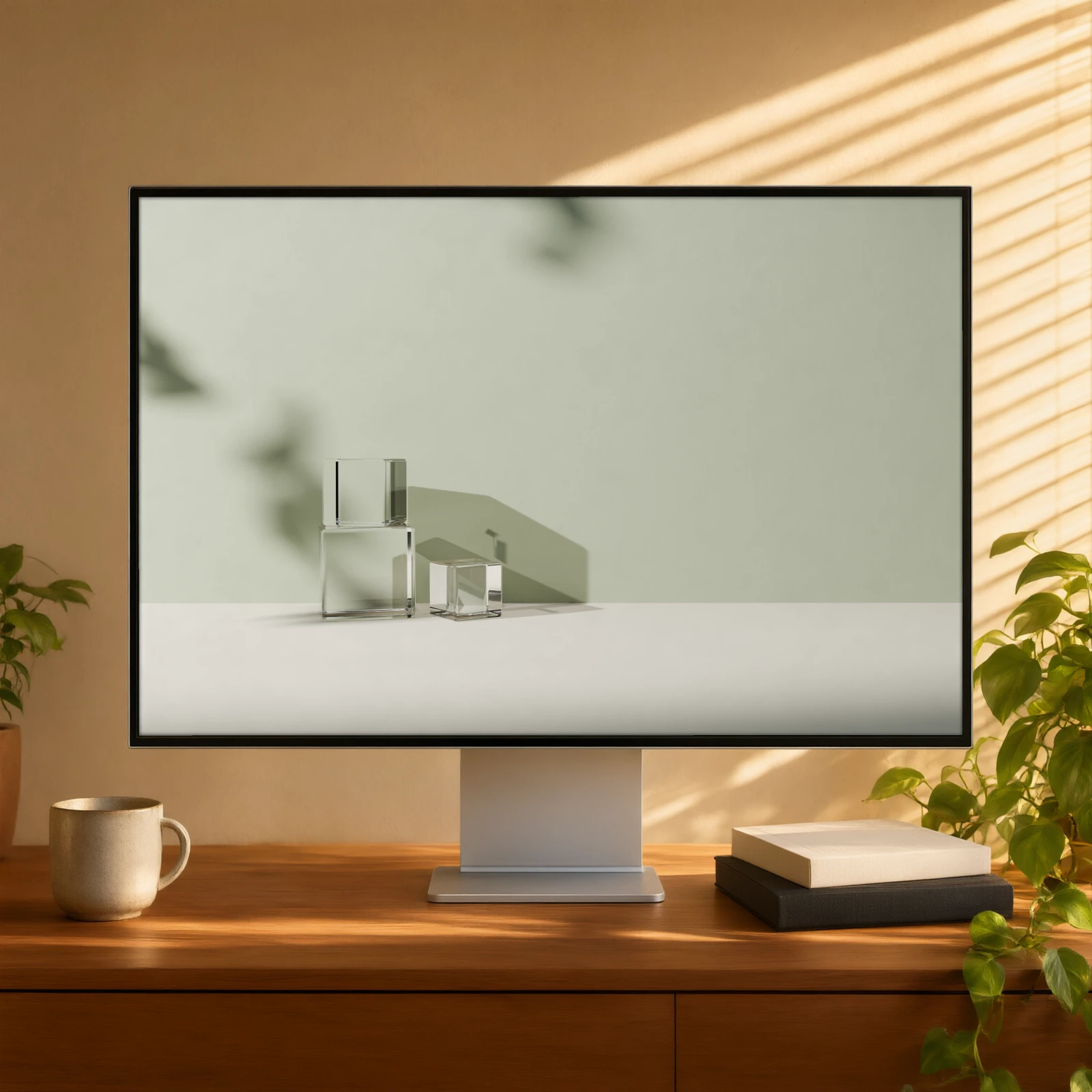
A wallpaper can look sharp in the preview and soft on your screen if the file is too small or the crop hides its focal point. The fix is to check both resolution and shape.
Find your display size
Look in your device's display settings for the screen resolution in pixels. Common desktop shapes are 16:9 and 16:10; ultrawide displays often use 21:9 or 32:9. Phones and tablets vary more. Use the exact dimensions reported by your device instead of relying on a generic label such as “4K”.
Choose a wallpaper at least as large as the display in both dimensions when possible. A 3840 × 2160 image fits a 3840 × 2160 display exactly. On a 3440 × 1440 ultrawide, a 16:9 image may need a crop or side space even if it contains enough pixels. Upscaling a small image can fill the screen, but it cannot restore missing detail.
Protect the focal point
Preview the wallpaper with your real desktop icons, menu bar or phone widgets. A centred object may disappear under a clock or a dock. If the artwork has multiple variants, choose one with quiet space where your interface sits. Keep the original download and make a separate cropped copy for each device.
Check the download before applying it
Open the file and verify its width, height and format. Use the desktop, ultrawide, tablet or phone version that matches your device. The Still Light wallpaper collection includes separate device packs; the product page lists the delivered formats and sizes. If you need art for a physical wall instead, see our printable art sizing guide.